The console
A real DJ setup, on your PC
Two turntables, a full mixer, a cover-flow library with reflections, and waveforms that scroll with the beat.
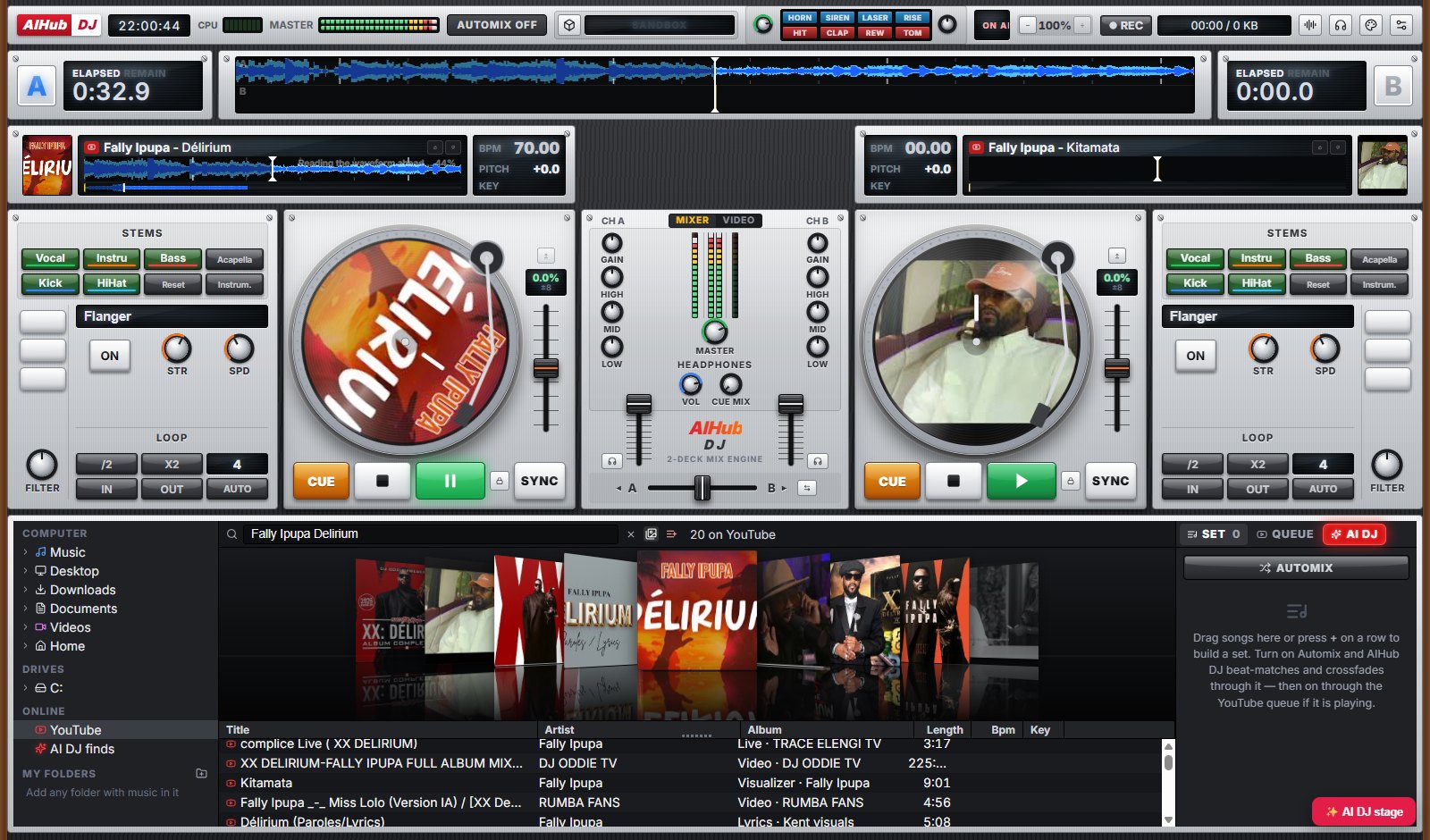
Mix your own music and anything on YouTube on two real decks, with stems, effects and scratching. Or describe the vibe and let the AI DJ build the set and mix it for you, under the lights.
Two turntables, a full mixer, a cover-flow library with reflections, and waveforms that scroll with the beat.
Built like hardware, playing anything you can find.
Turntables you can scratch, pitch faders, cue, sync, key lock, loops and hot cues, with a full three-band mixer and crossfader.
Search YouTube right in the library, or open your own MP3, FLAC, WAV and music videos. Every song gets its cover art.
Mute the vocals, drop the bass, keep just the kick and hi-hat. Acapella and instrumental in one click.
Flanger, echo, filter sweeps and more, with strength and speed knobs, plus pro transitions when the AI mixes.
Music videos play on the mixer's screen and follow the crossfader, or go big on the stage.
Build a set list or a YouTube queue, switch on Automix and it beat-matches and crossfades song after song.
Describe a set (“Afrobeats warm-up into amapiano, peak at 11, no Drake”) and the AI DJ finds the songs, measures their tempo and key, and mixes them in order, on stage.
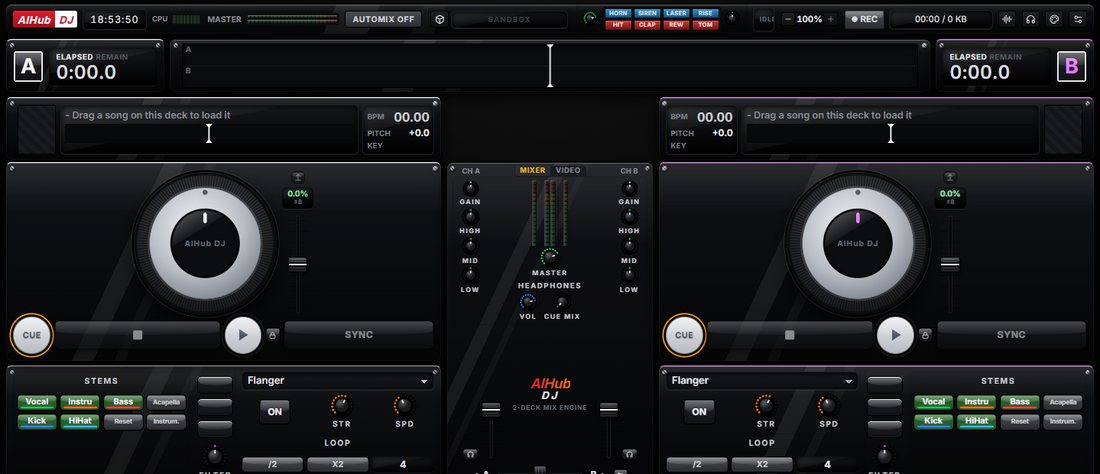
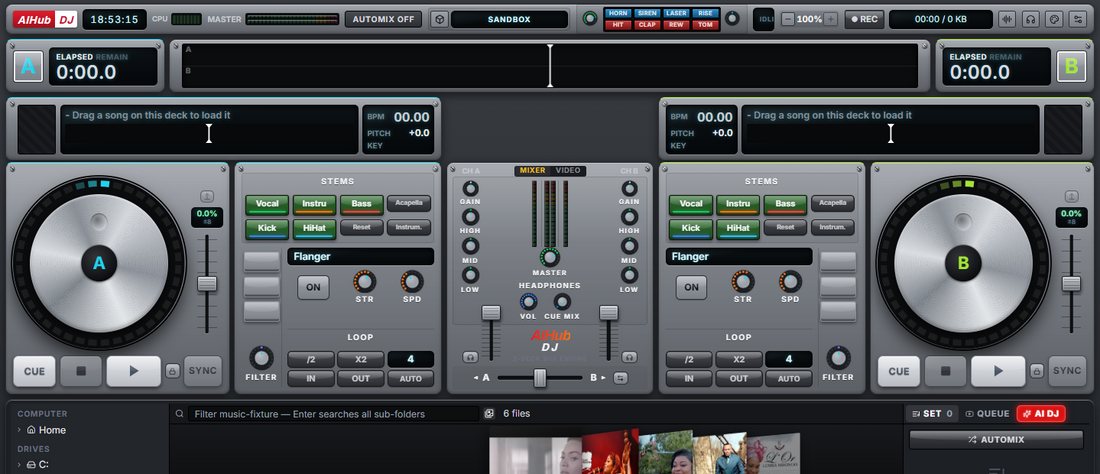
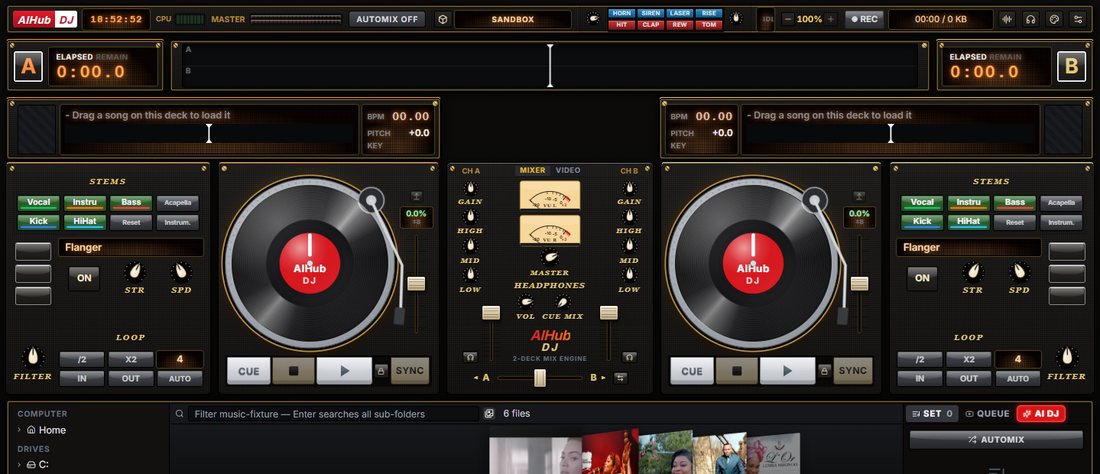
Switch from classic turntables to a CDJ-style jog wheel, a controller with an LED ring, or a screen deck with a touch strip, each with its own meters, knobs and finish.
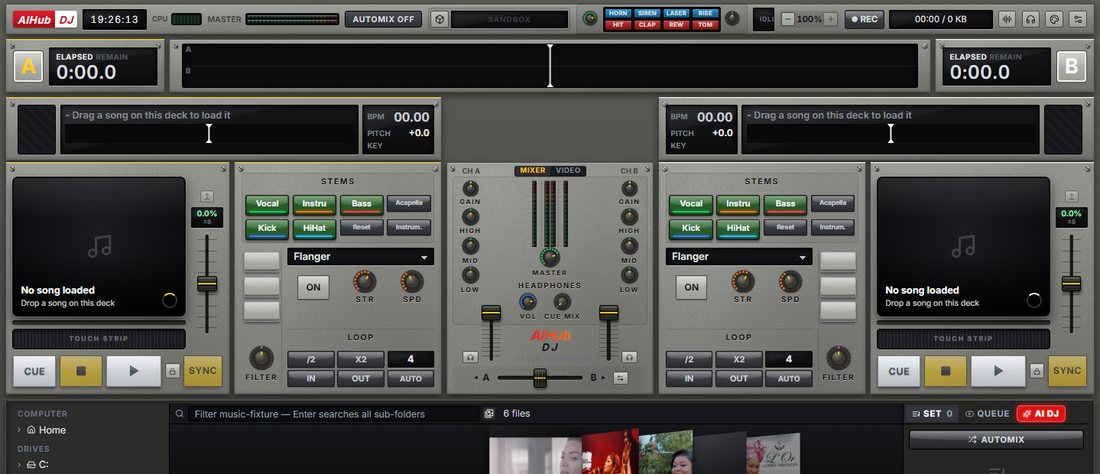
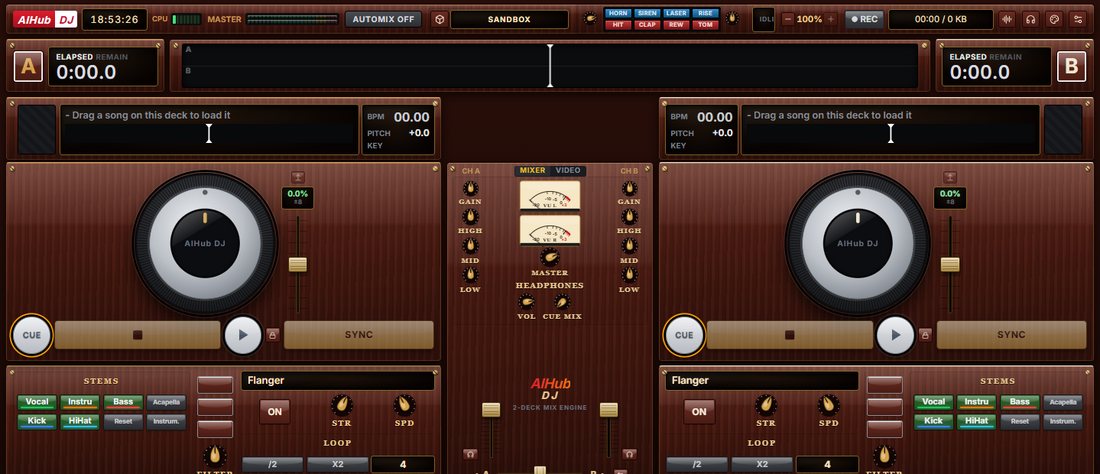
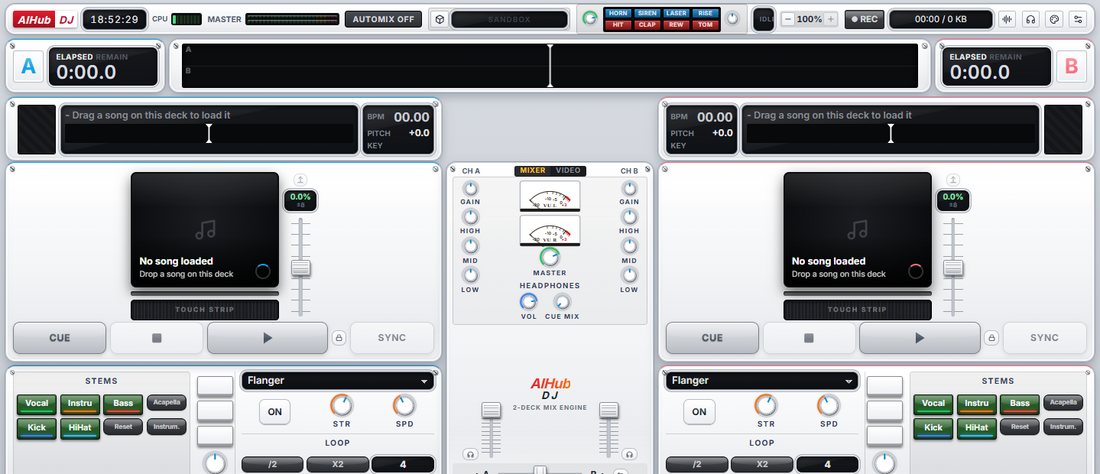
Get the free installer for Windows 10 or 11 (64-bit) below.
Open AIHub-DJ-Setup.exe, pick a folder and finish. A desktop shortcut is added for you.
Search YouTube or open your music folder, drop a song on a deck and press play. For the AI DJ, install Ollama.
Windows may show “Windows protected your PC” for new apps: click More info → Run anyway.
Free download. No account. No subscription. Your music, YouTube and an AI DJ, all in one app.
Download for Windows — FreeYes. Free to download and use, no account and no subscription.
Only for YouTube and cover art. Your own music files play offline, and the AI DJ can run fully on your computer with Ollama.
Install Ollama and a small model (for example ollama pull llama3.2:3b). AIHub DJ finds it automatically. Nothing you ask leaves your machine.
MP3, FLAC, WAV, M4A, OGG and AAC, plus music videos (MP4, MKV, MOV), alongside anything you search on YouTube.
Yes. It is the DJ console from AIHub Browser as its own app, for when you just want to DJ.
Windows SmartScreen warns about new apps that are not code-signed yet. Click “More info” and “Run anyway” to install.
Questions about AIHub DJ, a feature idea, or want to collaborate? Send a message.